Amanita
A local AI creative partner and a shared interface for several ComfyUI workflows.
The project
How can one creative partner bring a collection of workflows together?
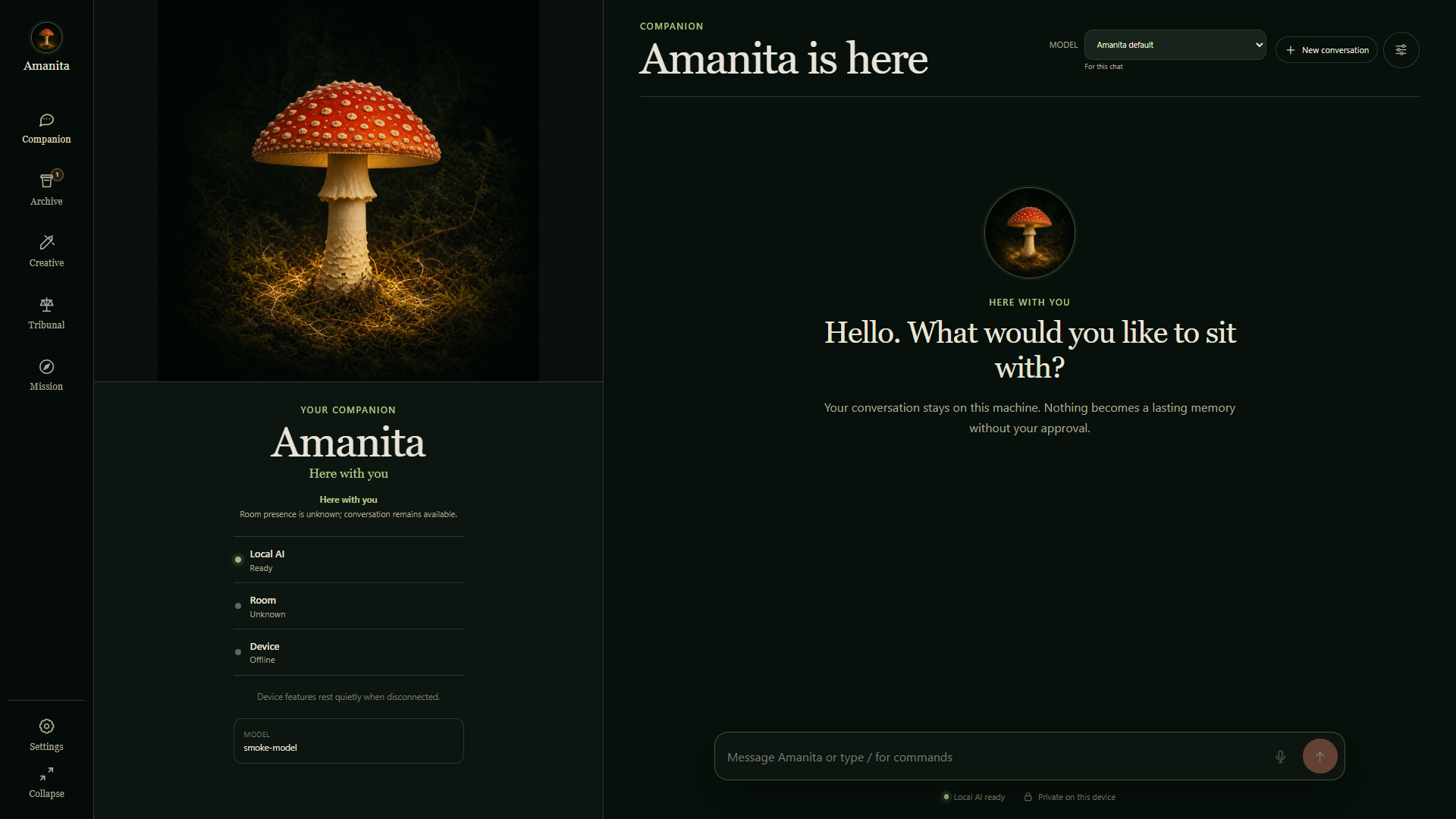
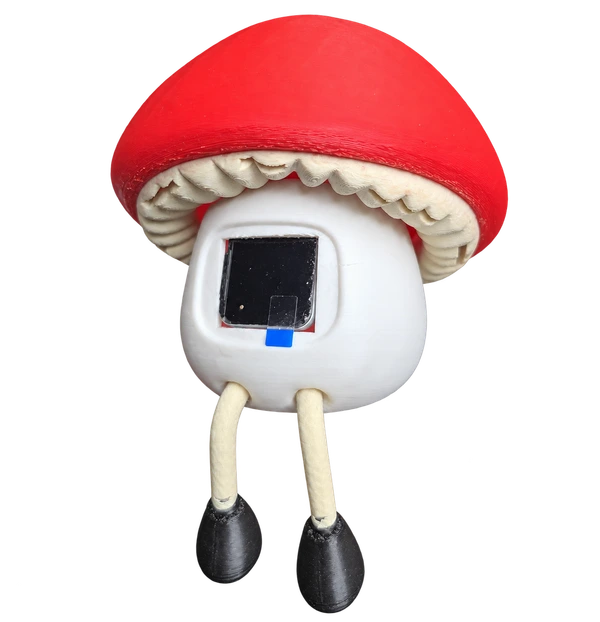
Amanita brings conversation, project context and several ComfyUI workflows into one creative workspace. I’m building it as a partner for developing ideas, preparing source material and reviewing results, with a familiar character connecting the different tools. Its optional physical body gives that partner a presence on the desk.
Inside Amanita / Creative journey
See the workflow in action.
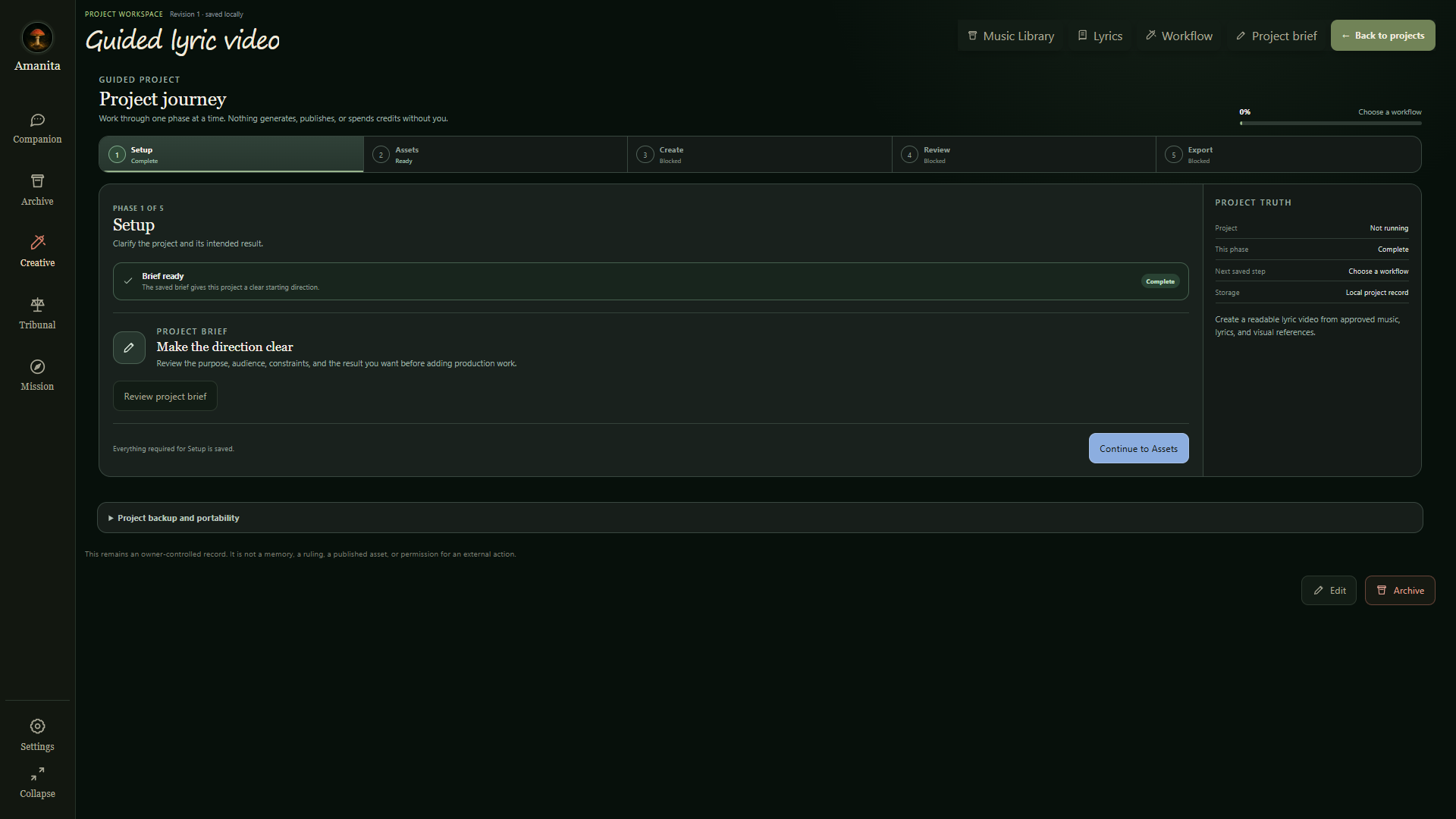
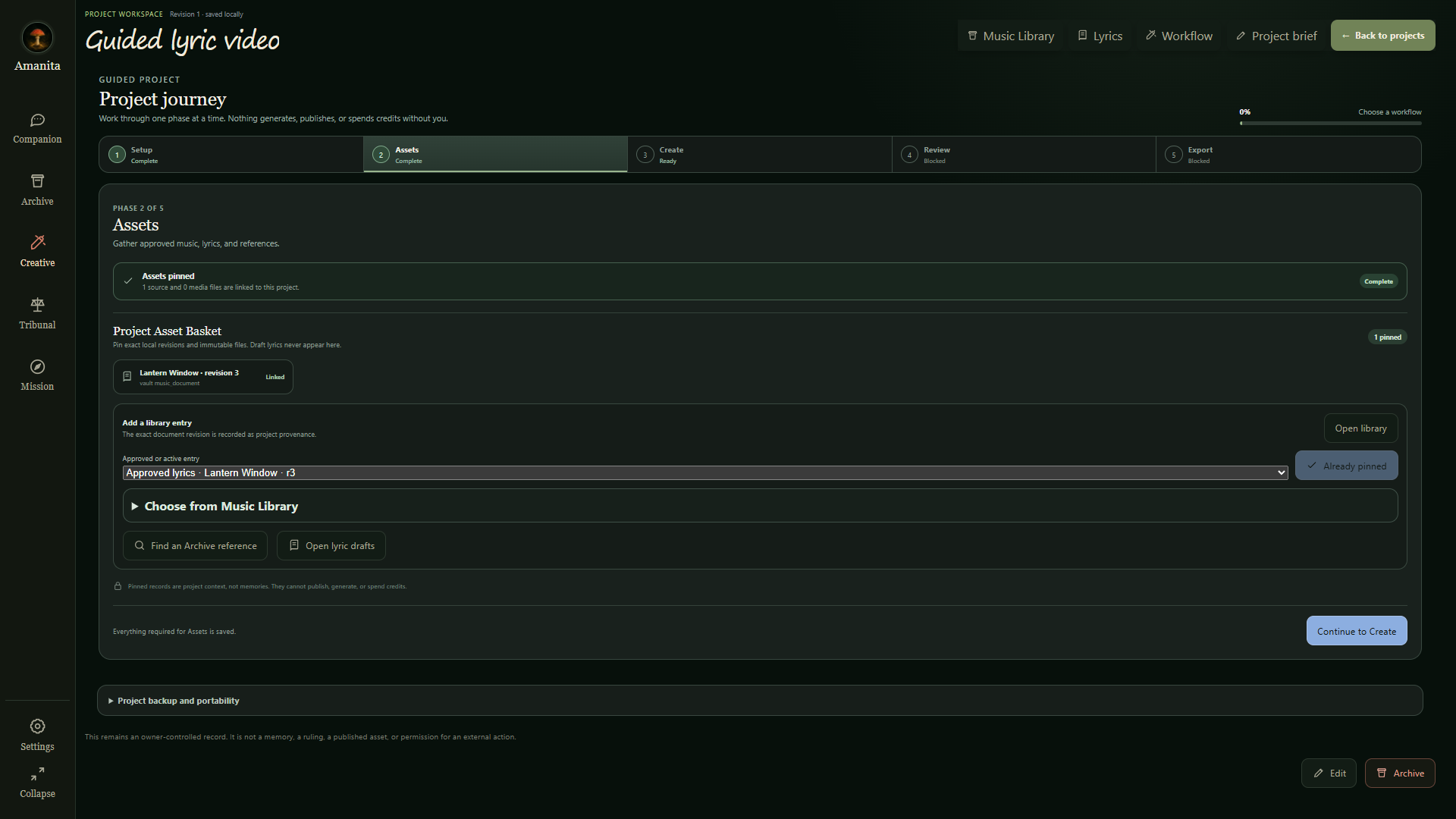
Follow a guided lyric-video project: set the brief, attach approved source material and choose a workflow.
Setup → Assets → Create → Review → Export
The recording shows project preparation and workflow selection. Generation and rendering still need end-to-end validation.
How the GPU link fits in
For an image-generation task in Private Image Lab, the intended path is:
- 01 / You + Amanita
Shape the idea
Describe an image and gather the references. Amanita keeps the creative brief together.
- 02 / Your approval
Prepare the run
Choose the Private Image Lab workflow, review its inputs and approve the task.
- 03 / Linked GPU
Create with ComfyUI
The paired Render Node runs the selected workflow on the GPU machine.
- 04 / Back in Amanita
Review the result
Generated assets return for a preview. You decide what to keep or change.
Refine it — adjust the brief or inputs, then approve another run.
Keep it — accept the asset into the Archive for reuse or export.
Intended integration · The paired GPU / ComfyUI path is still in development and needs end-to-end validation.
One character.
37 little personalities.
I batch-generated these face animations in ComfyUI while exploring Amanita’s expressions. Select a face to play its silent preview; select it again to pause.
ComfyUI expression studies · One preview plays at a time · Original clips preserved separately
A creative partner
The starting point is a creative idea: a direction to explore, a reference to develop or an asset to make. Amanita is designed to help shape that idea into a brief, keep the project’s context close and support iteration while I retain creative direction.
A face for ComfyUI
ComfyUI provides the underlying workflows; Amanita is being built as the shared interface around them. The aim is to choose a creative task, prepare its inputs and review its outputs in one place, with the workflow details available when needed.
Personality & motion
Versioned personality prompts and owner-defined conversation rules shape behavior. The visible companion uses controlled offline, thinking, speaking and idle animations driven by service state. Physical display playback still needs bench verification.
Memory with provenance
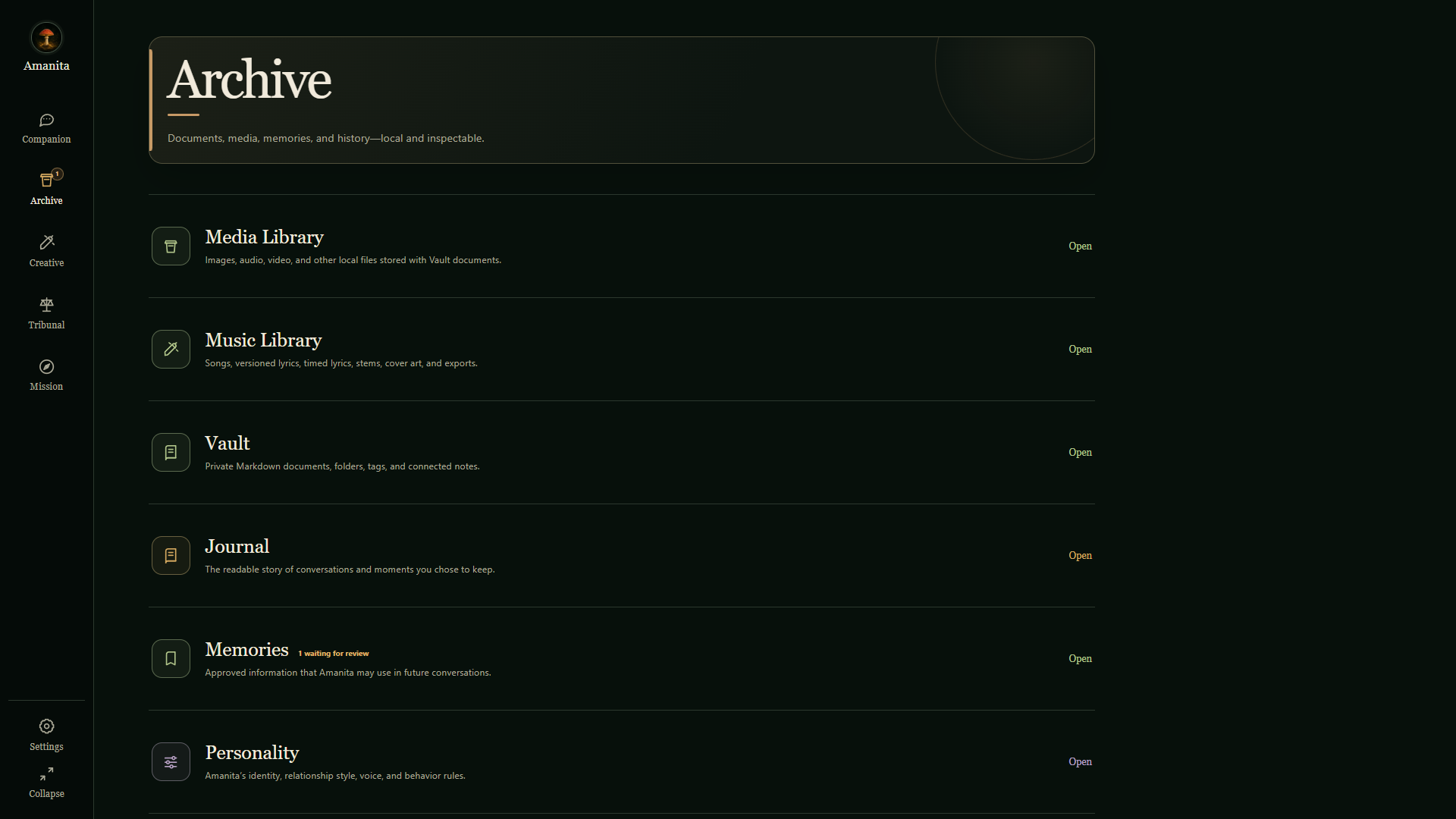
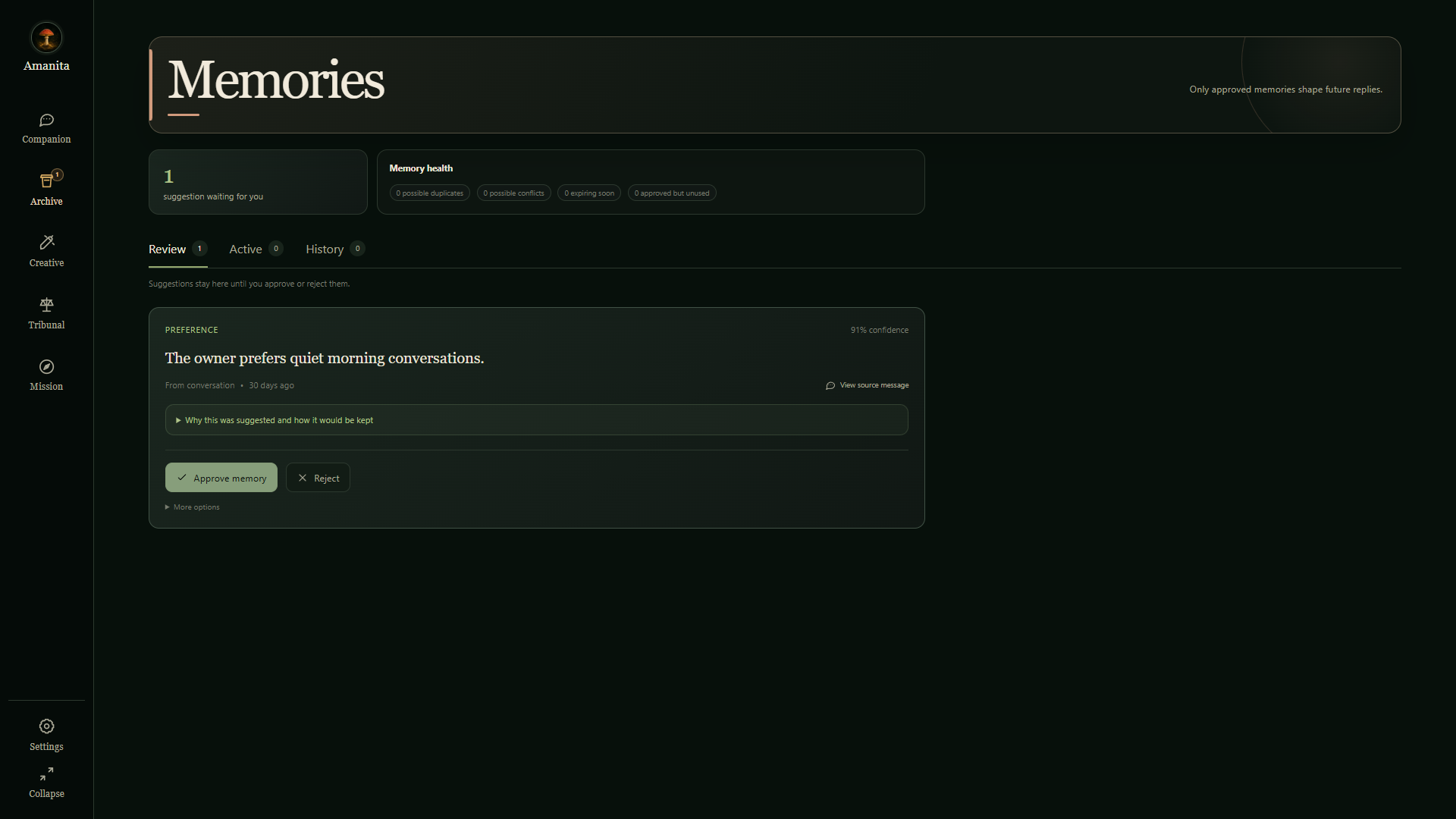
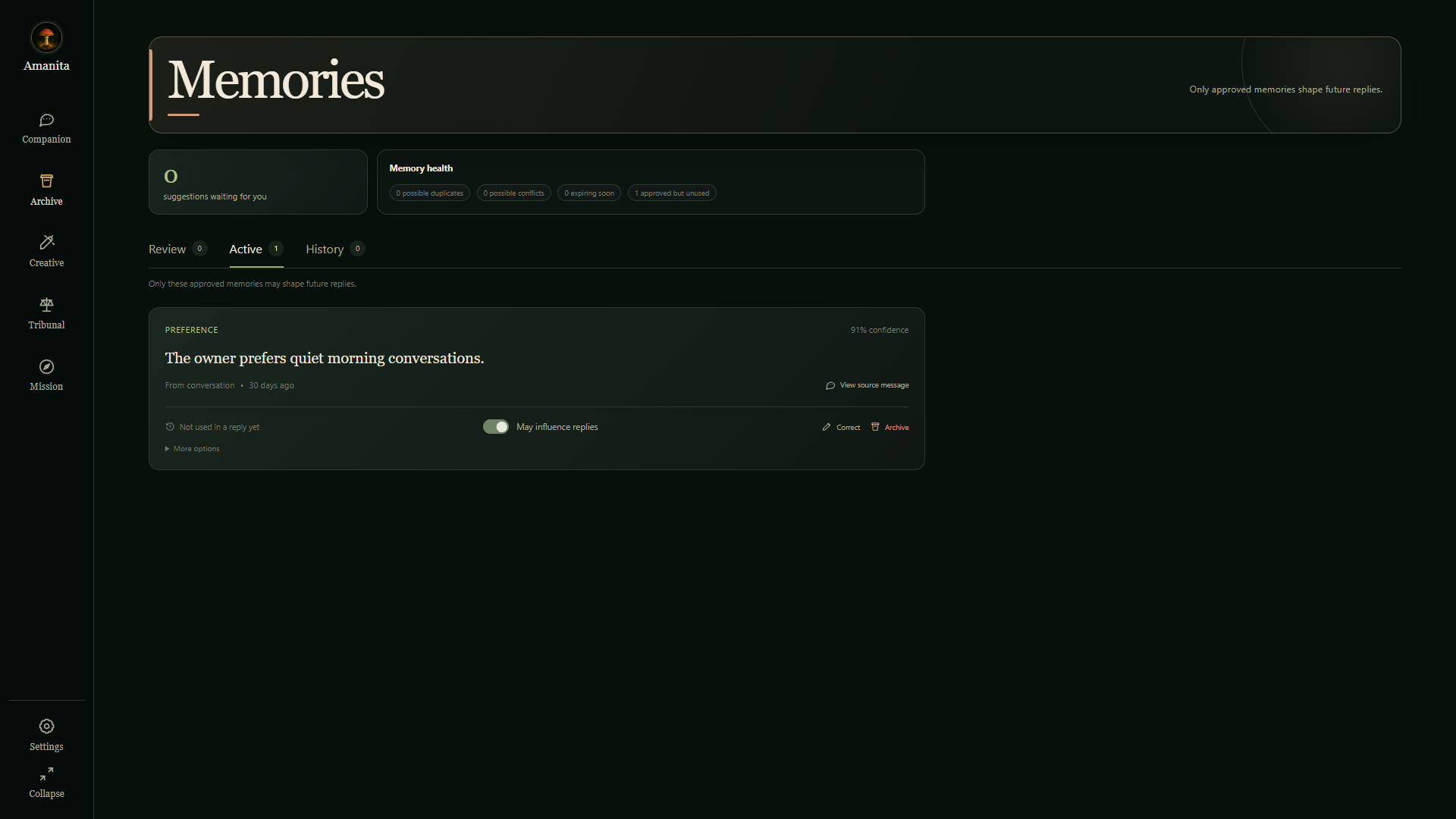
Events, Journal entries and memories are different records. Sourced memories remain visible and correctable, and the interface exposes which approved memories and prompt versions informed a reply. Export and restore keep the companion portable.
From brief to reviewed assets
The creative workspace organizes a project into Setup, Assets, Create, Review and Export. A brief sets the direction, approved source revisions stay attached to the project, and workflow selection leads into creation. Lyric Video, Private Image Lab and Logo Creator are documented creative paths; generation and render integration remain in development.
A link to GPU power
Amanita is designed to connect to a paired GPU machine for the heavy creative work. Through that link, an approved task and its inputs reach a Render Node running the selected ComfyUI workflow. Progress and generated assets return to Amanita for review, keeping the creative conversation in one place while the GPU handles generation. The pairing and task system is documented; the intended GPU and ComfyUI path still needs end-to-end validation.
Tribunal
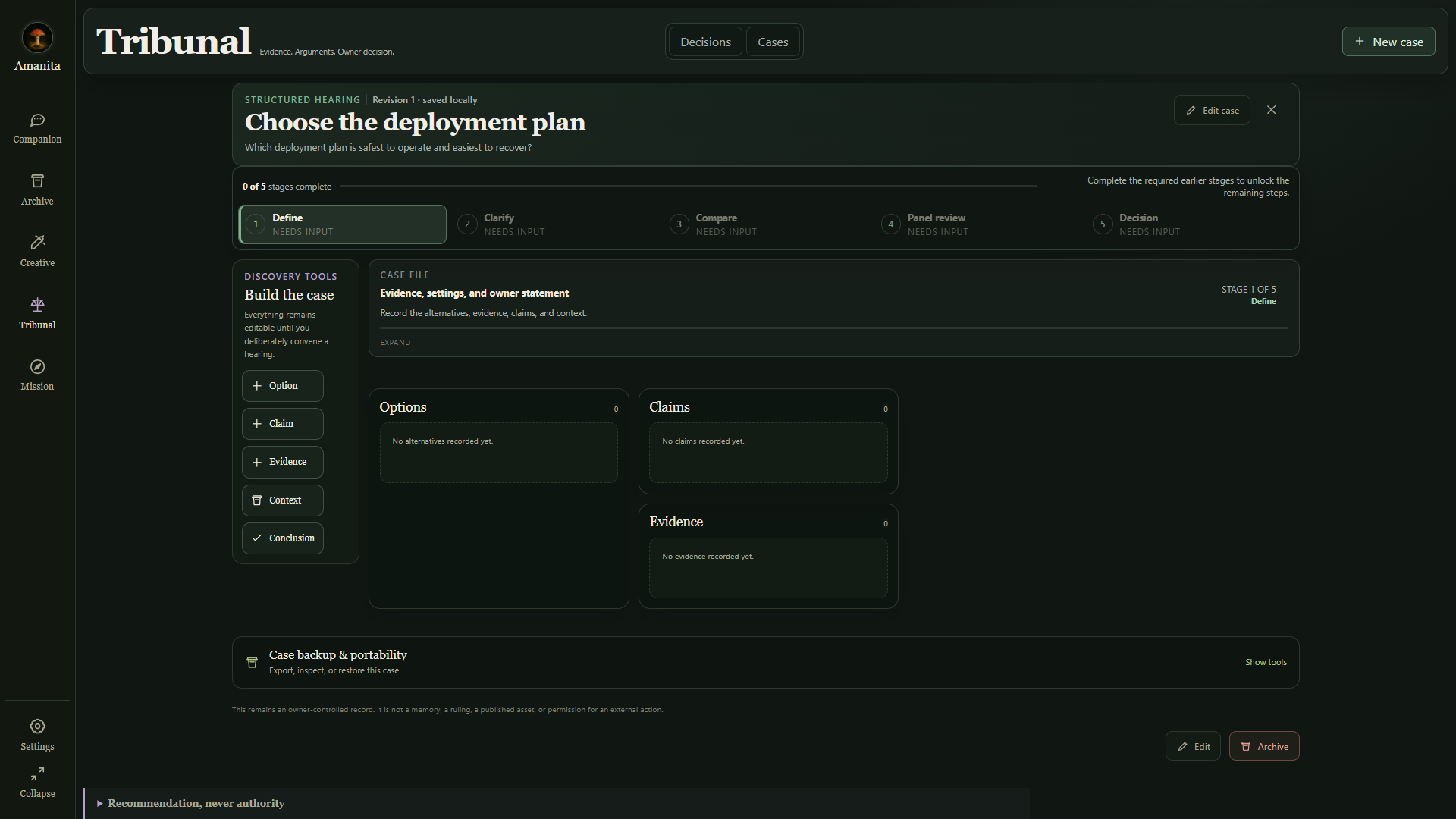
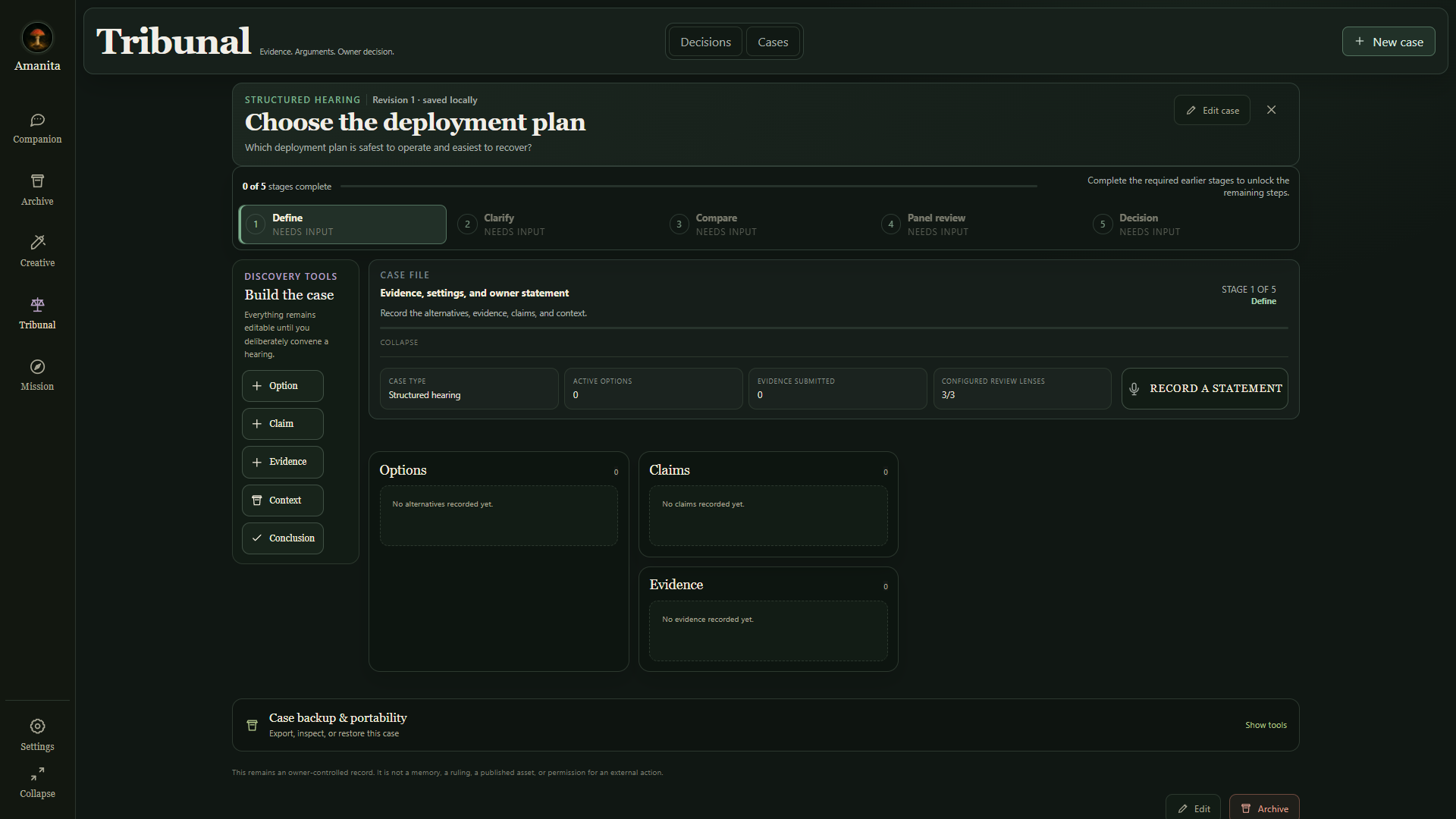
Tribunal gives a decision a case file: options, claims, evidence and context can be organized before review. Configurable review lenses bring different perspectives into the process, while the final decision stays with the owner.
Design principles
A useful assistant should be legible in action and restrained in presence.
- Context-aware
- Calm
- Visual
- Action-oriented
- Non-intrusive
A closer look
Project documentation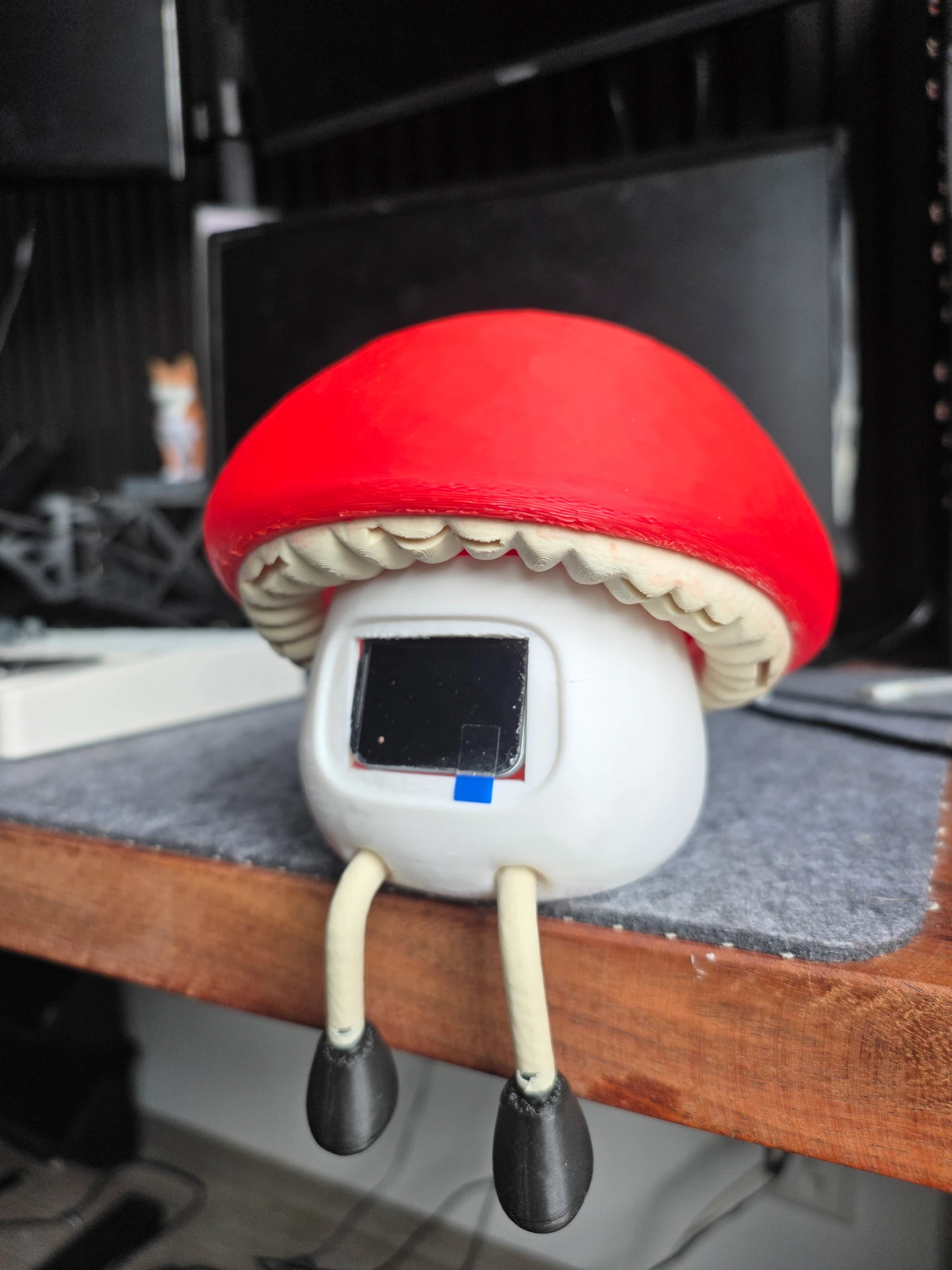
Memory control — review what stays
Project recordingA suggested memory moves from review to the active list, where its influence on future replies remains under owner control.